








Générateur
Histoire
Générateur de plans AI
Outil de changement
Modèle
Base
Changer
Chambres
chambre
-
2
+
salle de bain
-
1
+
Cuisine
ouvert
fermé
Surface brute
Unité Métrique
 impérial
Métrique impérialZone
< 50㎡
50-80㎡
80-100㎡
100-120㎡
120-150㎡
> 150㎡
Accessoires
dressing walk-in
salle de lavage
pièce de rangement
salle de service
bureau à domicile
garage
cellier
salon-salle à manger combinés
balcon

Transform Your Vision: Generate AI ePlans House Plans Instantly
Discover the future of home design with Ideal House's AI Floor Plan Generator. Quickly create detailed and presentation-ready 2D floor plans tailored to your exact specifications. From initial concept to refined house layout, our tool empowers homeowners, designers, and real estate professionals to visualize their dream home plans and residential blueprints with unparalleled speed and accuracy. Say goodbye to complex drafting and hello to intuitive design. Generate professional eplans house plans in minutes, perfectly suited for modern living.
Generate My Floor Plan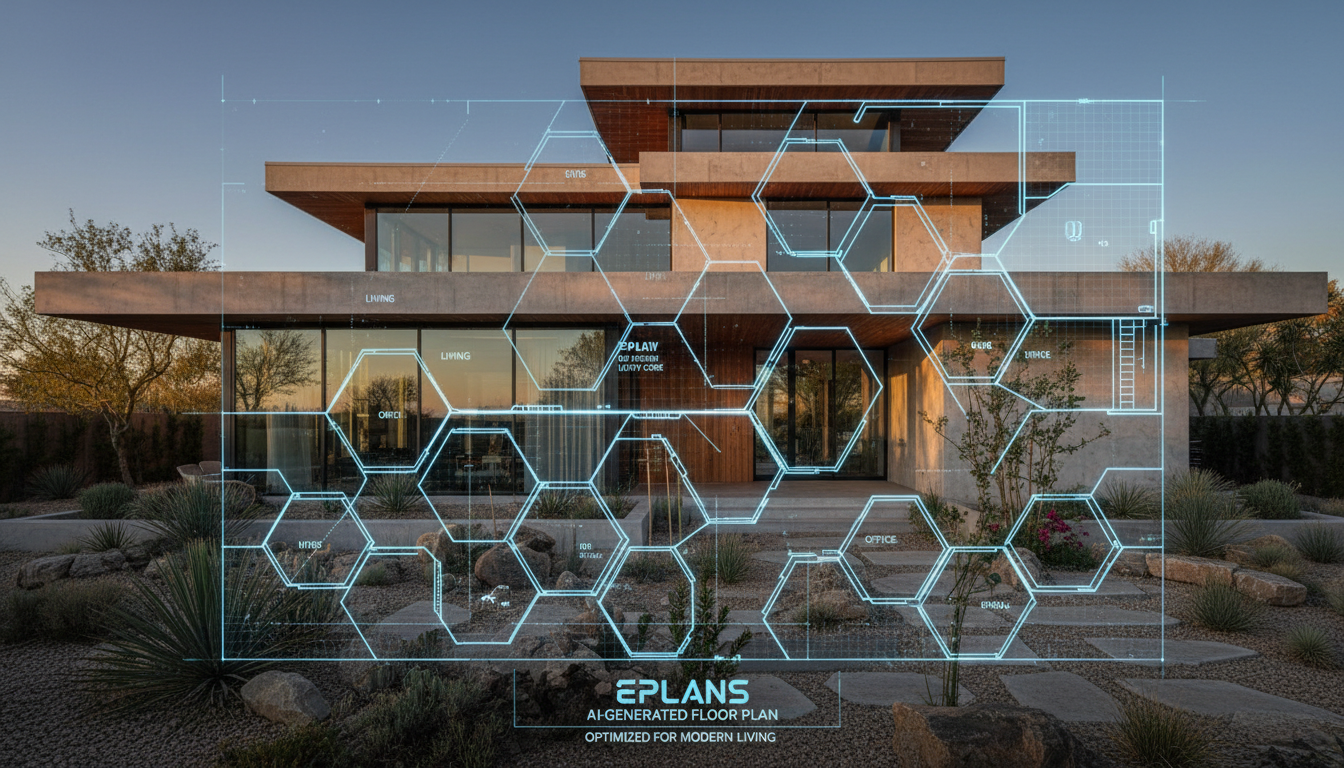


Why Ideal House is Your Premier AI Floor Plan Partner
Speed & Precision for Your ePlans House Plans
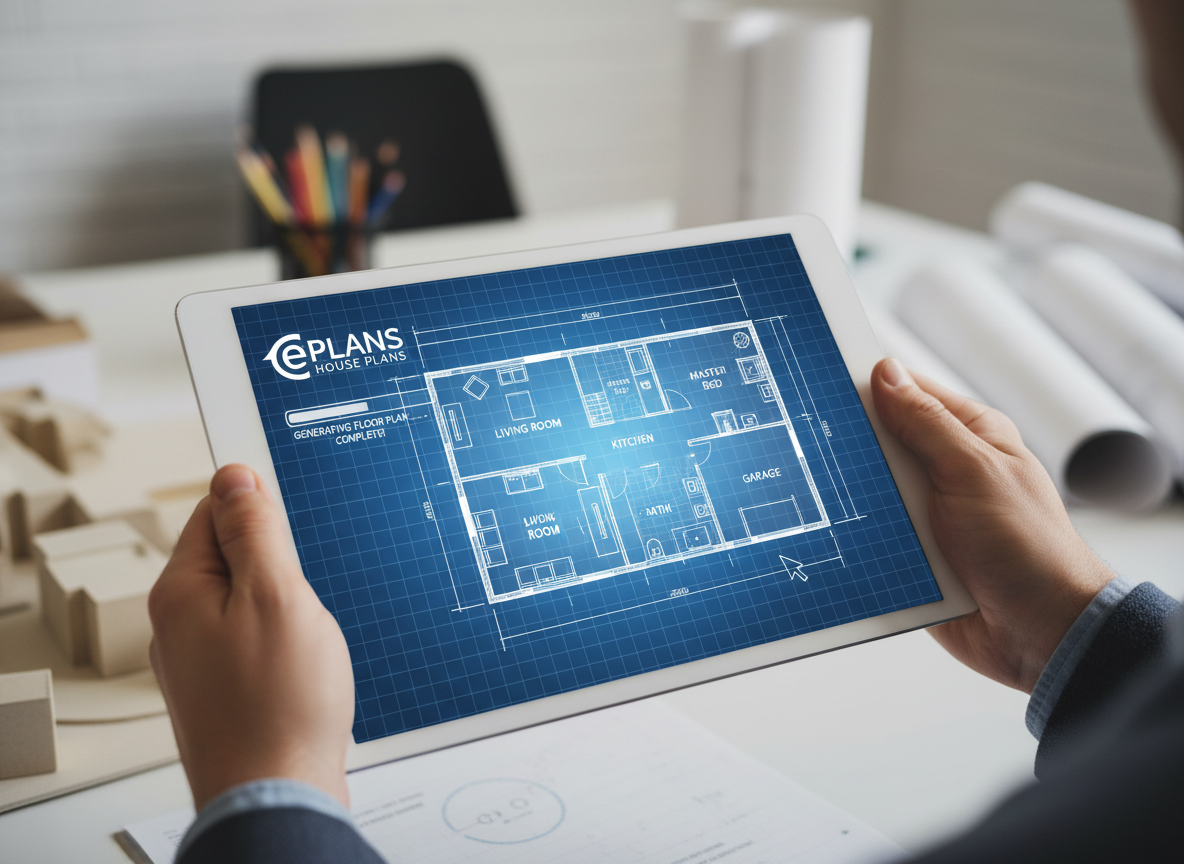
Gone are the days of tedious manual drafting. Our AI Floor Plan Generator instantly transforms your requirements into clear, accurate 2D floor plans. Define bedrooms, bathrooms, kitchen style, and gross area, then watch as the AI crafts your ideal house layout. This rapid generation means you can explore countless home plans and design variations in a fraction of the time, getting you closer to your perfect residential blueprints faster than ever before. Explore your custom home plans.
Tailored Home Plans with Intuitive Customization
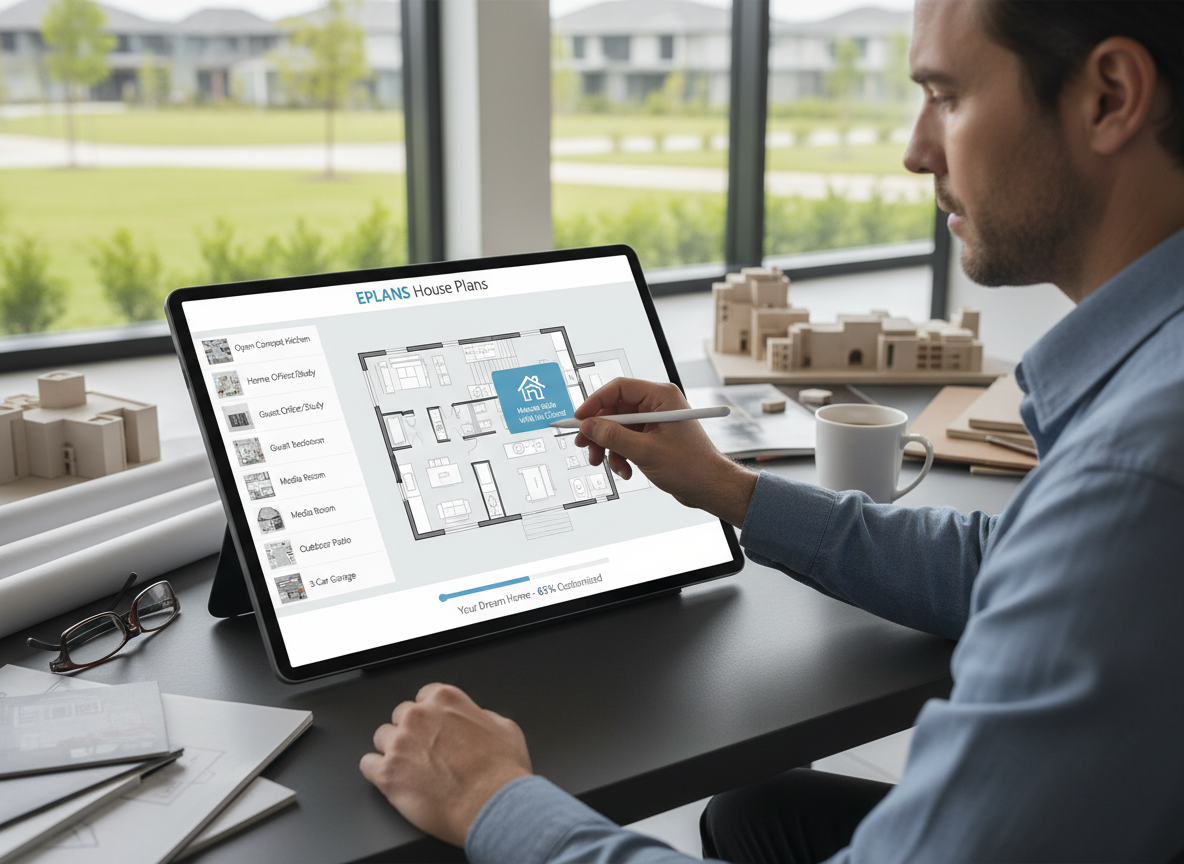
Your vision, precisely rendered. With Ideal House, you're in control of every detail for your eplans house plans. Select desired features like a walk-in closet, laundry room, home office, or garage. Our AI intelligently integrates these extras, creating custom home plans that reflect your unique lifestyle. Whether you need small house plans or expansive dream home plans, our tool adapts, providing architectural plans that are both functional and aesthetically pleasing. Customize your dream home plans.
Realistic Visuals for Confident Decisions
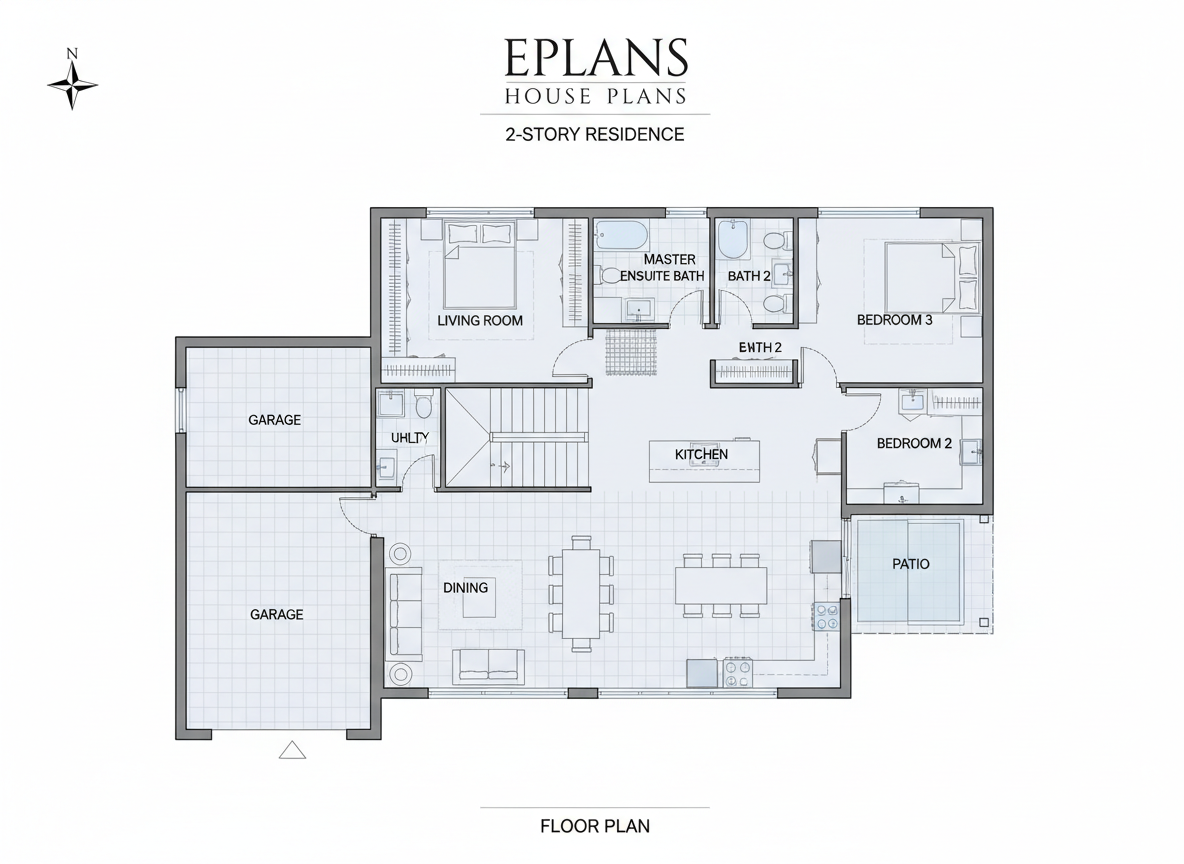
Experience your future space before it's built. Our AI generates presentation-ready 2D floor plans that offer a clear, realistic visualization of your house layout. This level of detail is invaluable for real estate listings, client presentations, and personal planning. Visualize room adjacencies, understand flow, and make informed decisions about your building plans. These professional-grade visuals elevate your house designs and aid in seamless communication. Visualize your house designs.
Seamless Workflow for Modern House Plans
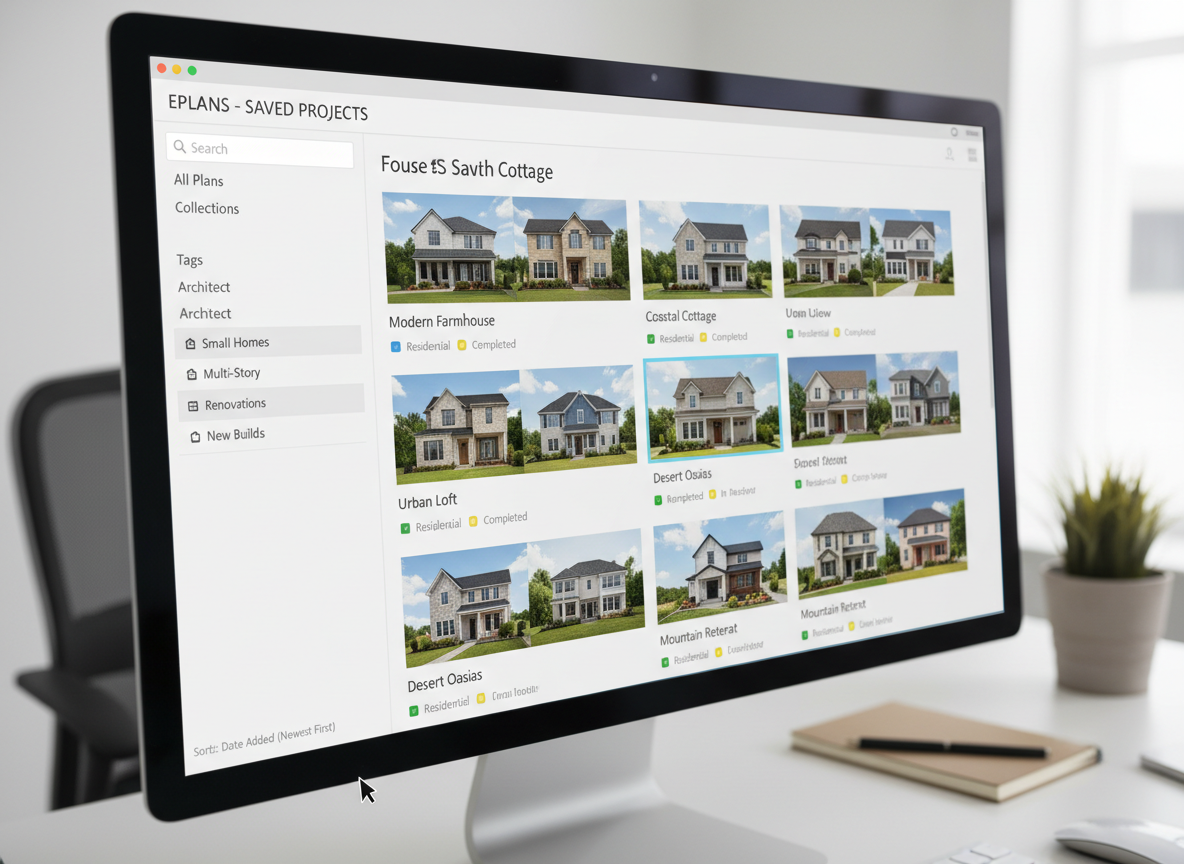
From generation to download, Ideal House streamlines your design process. Every plan is saved in your Generation History, allowing you to easily compare drafts, iterate on concepts, and refine your eplans house plans. Export your chosen residential blueprints as images or PDFs for easy sharing with contractors, clients, or on property listings. Our tool integrates effortlessly into your workflow, making it the ultimate solution for ready-made house plans. Streamline your building plans.

Who Benefits from Ideal House AI Floor Plan Generator?

Homeowners & DIY Planners looking to visualize their dream home plans and ideal house layout.

Interior Designers & Decorators needing quick 2D floor plans and conceptual apartment floor plans for clients.

Real Estate Agents & Brokers creating compelling real estate floor plans for listings and property marketing.

Contractors & Consultants seeking clear building plans and architectural plans for project alignment.

Crafting Your ePlans House Plans in 6 Simple Steps
1
**Set Your Rooms:** Begin by specifying the number of bedrooms (0-4) and bathrooms (1-3) you envision for your home plans. This sets the foundation for your eplans house plans.
2
**Choose Kitchen Style:** Decide between an open or closed kitchen layout. This crucial choice significantly influences the overall flow and feel of your house layout and 2D floor plans.
3
**Pick Gross Area:** Select the desired gross area range to guide the AI in generating appropriately scaled residential blueprints, ensuring optimal room proportions for your dream home plans.
4
**Add Key Extras:** Incorporate specific features like a walk-in closet, laundry room, home office, or garage. These extras help our AI create custom home plans tailored to your needs.
5
**Generate & Review:** Click 'Generate' and watch as our AI creates your personalized eplans house plans in seconds. Review the results and refine your selections to compare versions of your building plans.
6
**Download & Share:** Once satisfied, easily export your completed 2D floor plan as an image or PDF. Share your architectural plans with clients, family, or integrate them into your property listings.
Frequently Asked Questions About AI Floor Plan Generator
How does the AI create my eplans house plans from simple selections?
Our AI floor plan generator interprets your input – bedrooms, bathrooms, kitchen type, gross area, and extras – then applies advanced algorithms and common architectural principles. It intelligently drafts a clear 2D floor plan by considering room adjacencies and circulation, ensuring a functional and realistic house layout. Each generation offers a fresh concept for your home plans.
What customizable options are available for my residential blueprints?
You can specify 0–4 bedrooms (default 2), 1–3 bathrooms (default 1), and choose between an open or closed kitchen (default open). Select a gross area range that aligns with your desired footprint. For custom home plans, you can also add multiple extras like a walk-in closet, laundry room, home office, garage, pantry, combined living-dining, or balcony.
How does 'Gross Area' influence the generated 2D floor plans?
The gross area band you select acts as a primary guide for the AI, determining the overall scale and proportion of your building plans. Choosing the closest band ensures that rooms, corridors, and features feel appropriately sized for the intended footprint, resulting in believable and functional architectural plans for your house designs.
What's the difference between an open and closed kitchen in my house layout?
An open kitchen design often features a continuous living–dining sightline, promoting a more integrated and social space. A closed kitchen, conversely, creates a more defined cooking zone, offering clearer separation and often more wall space for cabinetry. The choice impacts the overall feel and flow of your ready-made house plans.
Can I compare different versions of my eplans house plans?
Absolutely. Every 2D floor plan you generate is automatically saved in your 'Generation History.' This allows you to easily revisit, compare, and contrast multiple versions of your dream home plans. You can use filters and different view options to efficiently review and select the best house designs for your needs.
Enhance Your Design Journey with Related Ideal House Tools
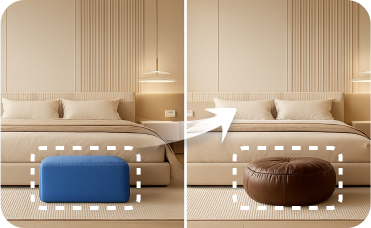
Smart Replacer
Target and redesign specific surfaces like flooring, walls, or countertops with precision.

Image to Video
Turn your stunning staged images into dynamic video tours for social media.

HouseGPT
Ask our AI design assistant for advice on materials, construction, and styling for your courtyard project.
Ready to Design Your Future? Start Your ePlans House Plans Today!
Unlock effortless home design with Ideal House. Generate, customize, and visualize your perfect 2D floor plans in moments. From dream home plans to practical residential blueprints, your ideal space is just a click away.
Generate My Floor Plan
💰 Gagnez 10% de commission en tant que Partenaire Affilié d'Ideal House.
Rejoignez-nous